AI mixing and mastering
Finish the music you started.
Mix and master your stems. For independent artists and producers.
Free to try. No card needed.
Powered by 
Hear the difference.
Switch between the original and Automix.
- Cousins — Electronic
- Afro Limbo Loopy — Pop
- High Rise — Rock
Best heard on headphones
Go from stems to a finished track.
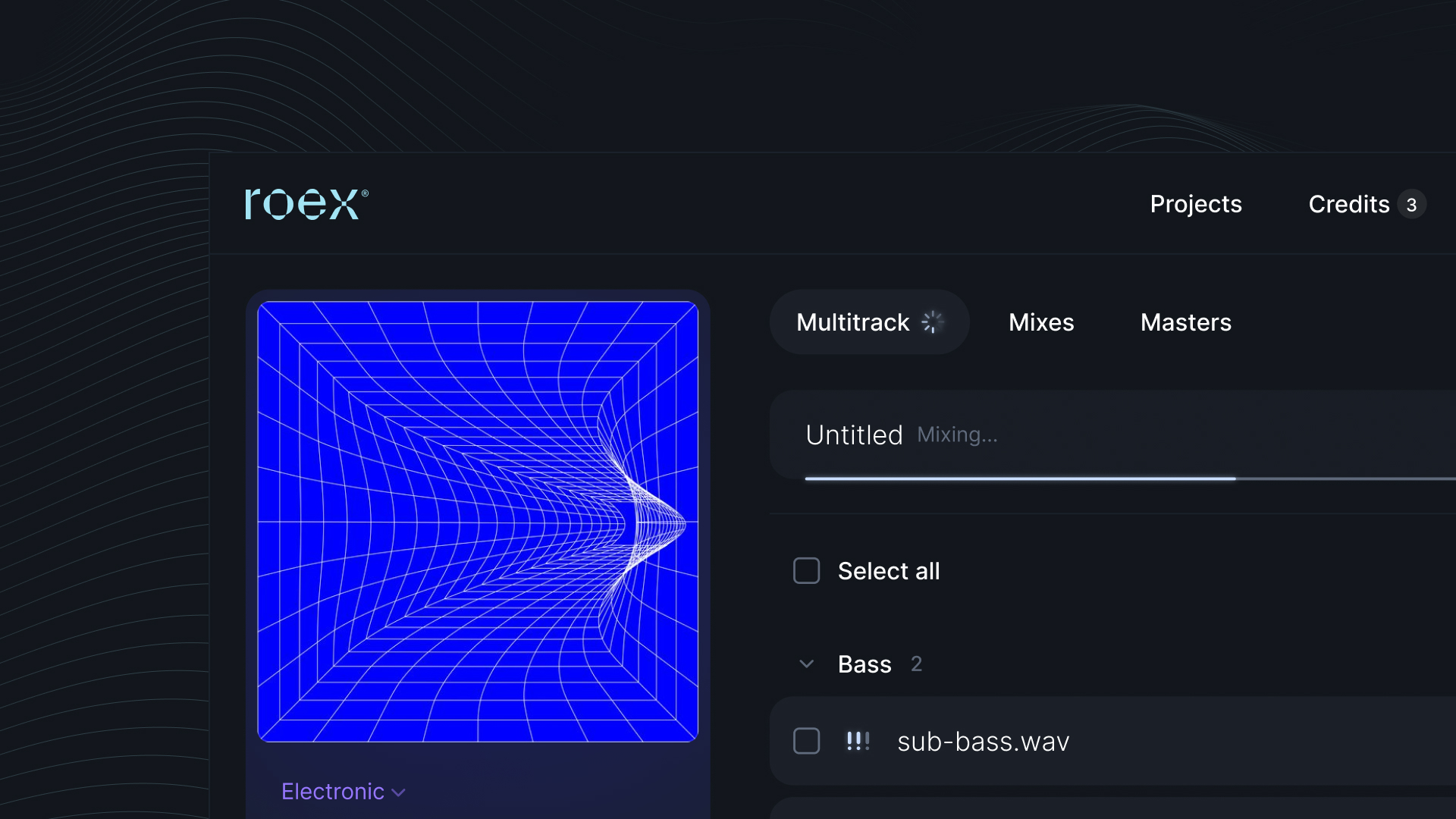
Upload stems
Up to 32 stems. Choose your style.
Shape your mix
AI mixing, with live Mix Console controls.
Master and export
Download audio or an editable DAW project.
Send your next track with confidence.
Master your stereo mix or match a reference track.
Try mastering for free56-second tutorial. Recorded in an earlier version of Automix.
Watch mastering · 56 secondsGive your next release a clear path.
Mix, master and shape your music. All included in Pro.
Use Pro on the web and desktop.
Explore the web workflow Explore Automix Desktop
Automix inside Ableton Live: coming soon.
Automix Pro
- Mix projects with up to 32 stems
- Mastering + reference matching
- Web + full-quality Desktop; Mix Console on desktop + supported computer browsers
- Audio cleanup
- Mix reports and audio analysis
- Unlimited mix/master downloads, processed stems + DAW exports
- 5 GB of web audio storage
Money back if you haven’t downloaded audio with Pro.
Free sample downloads don’t count. Refunds apply before you download audio using your paid subscription. Contact us to request one. support@roexaudio.com
An AI song mixer for artists and producers.
Automix is AI mixing and mastering software from RoEx for independent artists, beatmakers and music producers. Bring separate vocal, drum, bass and instrument stems from your recording session. Automix analyses the tracks together and creates a balanced starting mix, helping you hear how the parts fit without setting every level and processor by hand.
Use the live Mix Console to shape the result by ear. Adjust the balance of vocals and instruments, compare your changes, and keep the creative decisions in your hands. Whether you are finishing a demo or preparing your next release, you can start with the music you have already recorded.
Mixing combines your separate tracks; mastering works on the finished stereo mix. You can master an Automix result or bring a stereo mix of your own. Work online in your browser, or use Automix Desktop on Mac or Windows for local mixing and mastering. Try the previews for free before choosing a download option.
Make your next move with confidence.
Do you train on my music?
No. We never train our models on your uploads. Automix mixes and masters the music you bring, and you keep every right to it.
Read our AI statementDo I need mixing experience?
No. Automix creates a starting mix from your stems. Use the live Mix Console to adjust it by ear, and Mix Insight to understand the changes.
Does Automix balance vocals and instruments automatically?
Yes. Upload your vocals and instruments as separate stems, and Automix analyses them together to create a balanced starting mix. It suggests levels, panning, EQ and compression to help the parts work together. You can then adjust the vocal and instrument balance in the live Mix Console on web or desktop.
Can I master a mix or use a reference track?
Yes. Master a stereo mix on its own, or use a reference track to guide its sound. Mastering and reference matching are included in Pro.
Can I keep working in my DAW?
Yes. Export processed stems and editable DAW projects, including Ableton Live sets, from the classic mixing workflow. Mix Console exports a final mix and processed stems. Automix inside Ableton Live is coming soon.
How does Pro billing work?
Choose monthly or yearly billing for one subscription covering web and desktop. You can request a refund before downloading audio using your paid subscription. Free sample downloads don’t count.